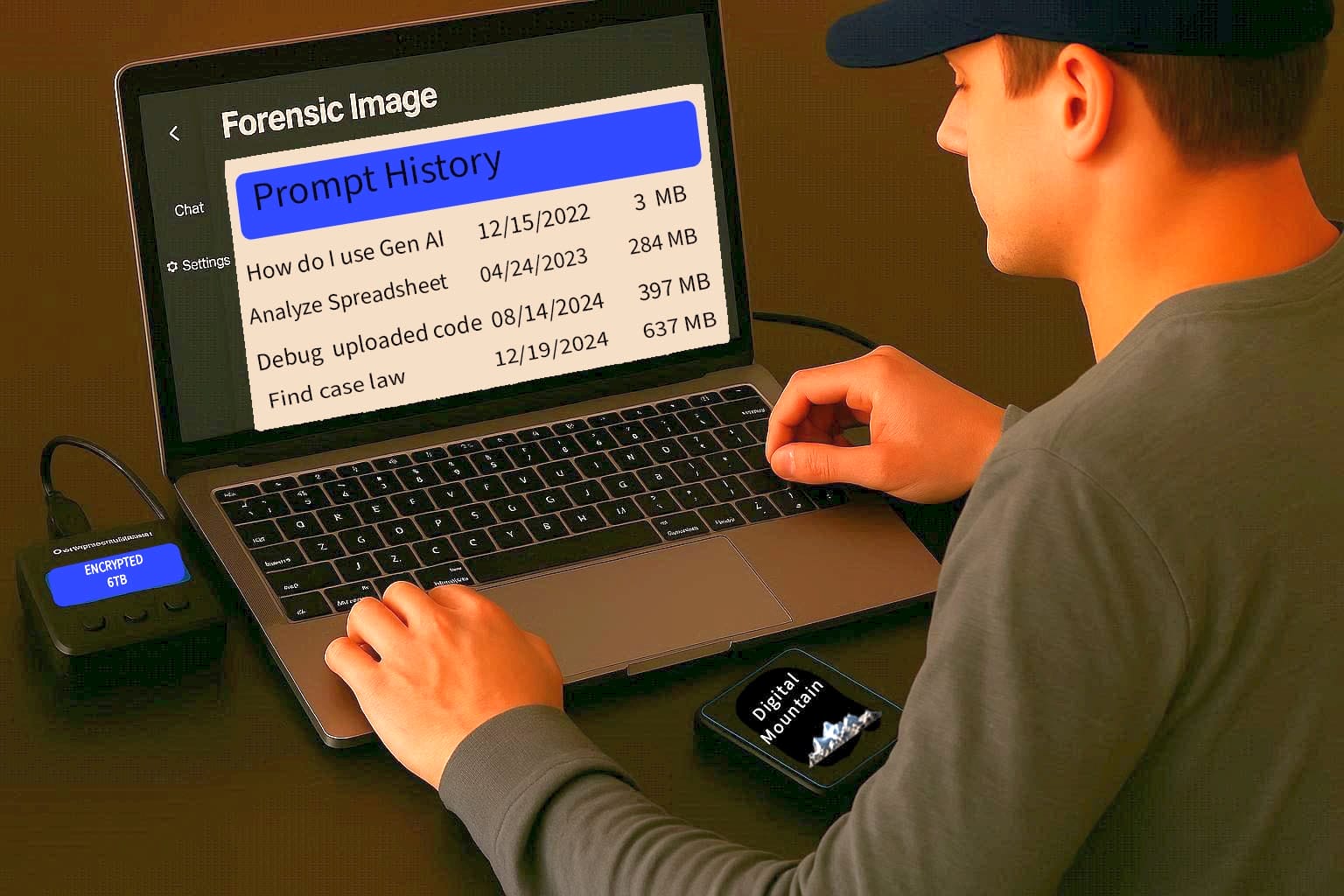
There was a time when the preservation of data through messaging and collaboration apps like Slack and G Suite (now Google Workspace) led to questions even among experienced eDiscovery practitioners. Where were the conversations and collaborations stored? What do we do with these hyperlinks? What is the protocol to export the data? These same questions gave rise to some déjà vu when Large Language Models (LLMs) burst onto our screens with promises to be our next great digital resource. Beyond GenAI’s ability to dazzle us with super speed and a vast breadth of knowledge, we know AI prompts and responses are more than just digital interactions; they represent a new form of data that, like any other, must be correctly preserved. Our “prompt” for this article is how can GenAI prompts and responses be preserved effectively and efficiently?
The technical challenge of preserving prompts and responses lies in capturing the full context of these dynamic, often iterative, conversations. This includes the text of the prompt, the model’s response, and critical metadata that underpins the interaction. Irrespective of whether the data being preserved consists of interactions with a chat interface, such as ChatGPT, or from an app that exchanges information with an underlying AI model, such as Google Workspace with Gemini, preservation ideally will capture both prompts and responses as a single, threaded unit. Additionally, because prompts and responses are iterative, a full history of the interactions is critical to retrieve the complete digital picture.
While the prompts and responses are obviously necessary data to collect, the metadata is also critical for completing the digital record and enhancing analysis options. User metadata will include at a minimum the user’s identity as recorded by the LLM and a timestamp for each interaction. Additional metadata included with the collection of a specific user’s interactions can include the model information. This is important because responses to the same prompt can vary based on the model employed. Depending on the system used, it is often possible to capture temperature, tokenization data, even assistant “personality,” if the user settings of the model allow.
Knowing what to look for is just the first step to preserving prompts, responses, and metadata from LLMs. Knowing where to look is just as important. Prompt stores are the centralized “banks” of information that has flowed through the interactions, including the underlying metadata. Without exception, the top LLMs, ChatGPT, Gemini, Claude, Copilot, MetaAI, Grok, DeepSeek, and Mistral AI, all place prompt stores on servers, with ChatGPT and Copilot also storing data in server-side caches. Copilot+PCs has the ability to store and process in both a server-side cache and a local-cache, depending on the complexity of the task. This is not the case when dealing with applications that are layered over an LLM, such as Google Workspace. Gemini in Google Workspace does not retain prompts and responses after the end of the session (Google Support), and there is no Vault option to hold or retain.
LLM developers have chosen data structures that bundle together prompts, responses, and metadata when exporting for preservation. The most common formats are JSON, HTML, or XML. Of ChatGPT, Gemini, Claude, Copilot, MetaAI, Grok, DeepSeek, and Mistral AI, only MetaAI exports data as a .TXT file. ChatGPT and Gemini offer both JSON and HTML exports, while the remaining offer JSON format. From a digital forensics standpoint, prompt preservations are a step beyond keyword searches. Examiners need to look beyond browser history to searching for the full text of prompts or responses. Prompts are generally phrased as questions or instructions, and responses will often mirror back the prompt in the first sentence. Additionally, digital forensics examiners may need specialty tools designed specifically to properly access, preserve, and analyze the data from LLMs.
For most models, the export process is fairly straightforward. Credentialing as the user, the data can be exported to the user’s email of record and retrieved from there. By way of example, ChatGPT exports consist of several data files, including both a JSON and an HTML file, zipped together for faster transport to the user’s email. Prompts and responses that include multimodal data such as video, images, audio, and potentially hyperlinks are included with the zipped files, often in a separate file or files. Using checksums is an effective way to ensure that exported LLM user data received from another source was not altered prior to sending.
As LLM usage grows, the volume of data generated will continue exploding, increasing the volume of data collected when preserving interactions between LLMs and users. Rapid advancements in AI could lead to today’s tools for capture and preservation becoming obsolete necessitating innovation on the part of practitioners to keep up. At Digital Mountain, we continue to stay ahead of the shifts in AI technology so that when our clients need prompt preservations, we are ready without delay.